
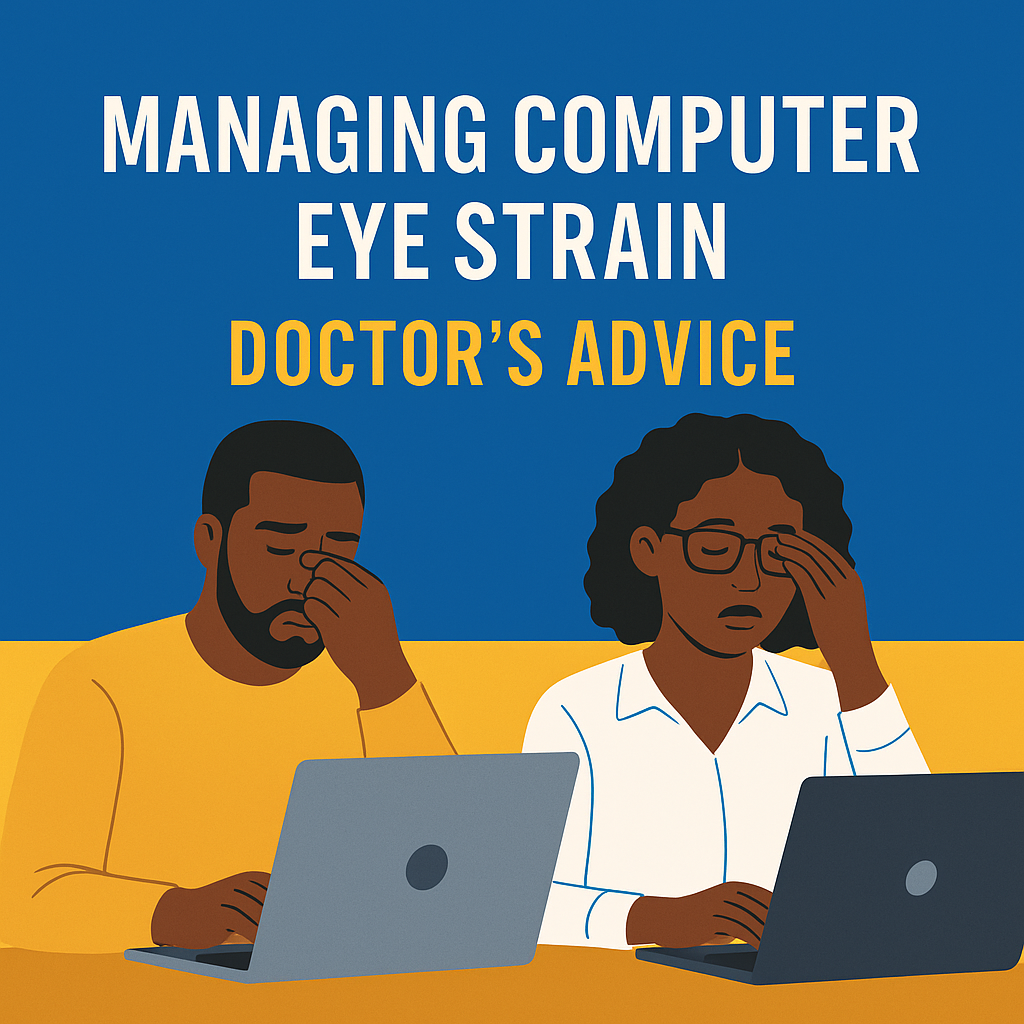
We live in a world where work, entertainment, and communication all revolve around screens. From laptops and tablets to smartphones, many adults now spend 7–10 hours per day on digital devices. According to the American Optometric Association, this overexposure leads to what is now recognised as Computer Vision Syndrome (CVS), also called digital eye strain.
Patients often complain of:
- Burning or dry eyes after long computer sessions.
- Headaches, blurred vision, and difficulty focusing.
- Neck and shoulder pain from poor posture.
The challenge is that most people ignore the discomfort, push through it, or buy cheap “blue light” glasses hoping for quick relief—yet not all solutions are evidence-based. Without the right strategy, eye strain can reduce productivity, worsen dry eye disease, and affect overall quality of life.
So what’s happening to your eyes during screen time, and how can doctors help you manage it effectively?
What causes computer eye strain?
Computer eye strain is multifactorial, meaning it doesn’t have a single cause. Instead, it results from several overlapping issues:
Reduced blinking
Normally, humans blink about 15–20 times per minute. During screen use, blinking drops by 50% or more, leading to tear evaporation and dry eyes.
Poor ergonomics
Slouching, looking down at a laptop on your lap, or sitting too close can strain not just your eyes but also your neck and shoulders. Improper monitor height makes the eyes work harder to maintain focus.
Uncorrected vision problems
Even minor refractive errors (like mild astigmatism) can cause strain when staring at screens. Many patients benefit from computer-specific lenses that account for intermediate working distance.
Glare and lighting imbalance
Bright screens in dark rooms, overhead fluorescent lighting, or sunlight reflecting off monitors can make visual fatigue worse.
Screen habits
Extended uninterrupted screen time—common in remote work—intensifies strain. Constant switching between phone, tablet, and computer forces the eyes’ focusing system to overwork.
Understanding these triggers lays the foundation for managing them effectively with strategies rooted in medical evidence.
Evidence-based relief strategies
- Artificial tears: Preservative-free lubricating drops restore moisture lost from reduced blinking.
- Ergonomic corrections:
- Keep screens about 20–24 inches away.
- Align the top of the monitor at or slightly below eye level.
- Use an adjustable chair with proper back support.
- Lighting adjustments:
- Reduce glare with anti-reflective coatings or screen filters.
- Balance ambient lighting with screen brightness.
- Vision correction: Prescription computer glasses may be recommended, especially for bifocal or progressive lens wearers.
- Work habits: The 20-20-20 rule (every 20 minutes, look 20 feet away for 20 seconds) consistently reduces strain.
These strategies are often combined depending on the patient’s specific needs.
What eye doctors usually recommend
Doctors personalise treatment based on what they find during an exam. If dryness is the primary issue, artificial tears and conscious blinking help. If there’s an uncorrected refractive error, computer-specific glasses make a big difference. For patients whose discomfort extends to the neck and shoulders, ergonomic adjustments are emphasised. Many patients benefit from a blended plan—eye drops, posture changes, and optimised lighting—rather than a single solution.
👉 The golden rule remains: don’t self-diagnose—get a proper exam. Even small vision errors or untreated dry eye can make digital strain much worse.
Practical steps you can take today
- Follow the 20-20-20 rule consistently.
- Keep your screen 20–24 inches away, slightly below eye level.
- Match room lighting to screen brightness.
- Stay hydrated and use artificial tears if your eyes feel dry.
- Schedule an eye exam if symptoms don’t improve.
How to know if your plan is working
Artificial tears and posture adjustments usually ease symptoms within days. Following the 20-20-20 rule for a week reduces headache and fatigue frequency. Longer-term improvements come with customised glasses or ergonomic setups, which support productivity and sustained comfort. If symptoms persist or worsen, doctors reassess for underlying conditions like dry eye disease, binocular vision problems, or early presbyopia.
Prevention — Building healthier screen habits
- Blink consciously and often (apps can remind you).
- Take micro-breaks every hour to stretch and reset.
- Increase font sizes or zoom to reduce squinting.
- Use anti-reflective lenses or filters if glare is bothersome.
- Balance screen time with outdoor activities—distance vision and natural light keep eye muscles flexible.
Quick FAQ
Does blue light really cause computer eye strain?
Current evidence suggests that blue light is not the main culprit. Reduced blinking and ergonomics matter more, though filters may add comfort for some users.
Will artificial tears cure digital eye strain?
Not entirely. They relieve dryness, but posture, breaks, and corrected vision are equally important.
Can children develop digital eye strain?
Yes. With online schooling, children increasingly show symptoms. Limiting recreational screen time and encouraging outdoor play are crucial.
When should I see a doctor?
If symptoms last beyond 1–2 weeks despite self-care, or if you experience double vision, constant headaches, or worsening blurred vision.
Bottom Line
Computer eye strain is common, but it doesn’t have to be your “new normal.” By adopting healthier screen habits, correcting underlying vision issues, and following medical guidance, you can work, learn, and connect online without sacrificing your eye health.